You Can Now Pin A Message To An Instagram DM. Here's How
It only takes three easy steps.

By Sukhbir Cheema — 11 Mar 2025, 04:42 PM
Instagram has introduced a suite of new features designed to make DMs more dynamic and user-friendly
From translating messages in your DMs to scheduling them ahead of time and adding music, messaging is now at the forefront of Instagram.
Among the standout additions include the ability to pin messages in chats, a move that brings Instagram’s messaging tools closer to what users expect from dedicated platforms like iMessage or Slack.
Meta first rolled out the option to pin up to three conversations in the DM inbox last year. Now, you can take that a step further by pinning specific messages within chats — whether it's an important detail, a funny moment, or a reminder you don’t want to lose in the shuffle.
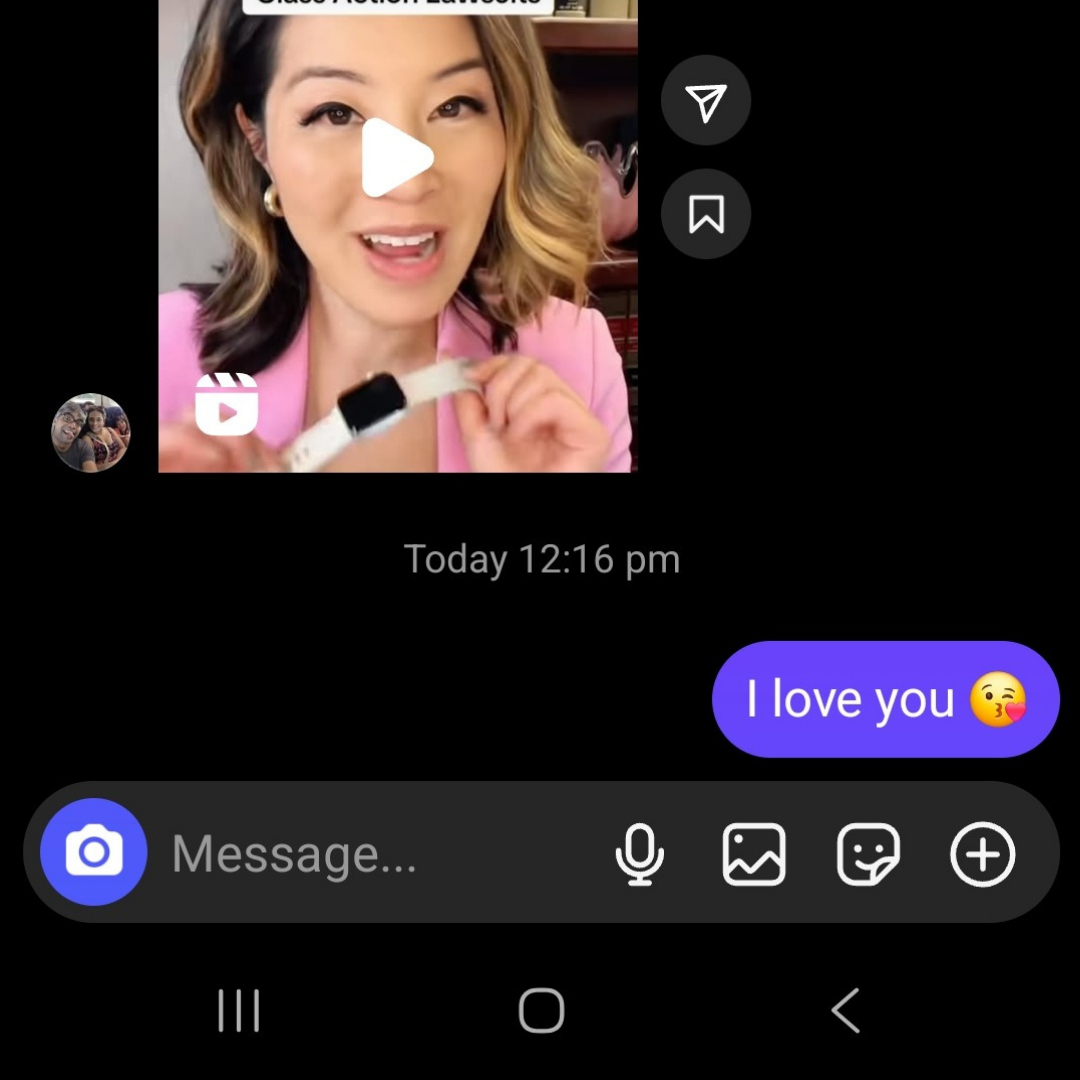
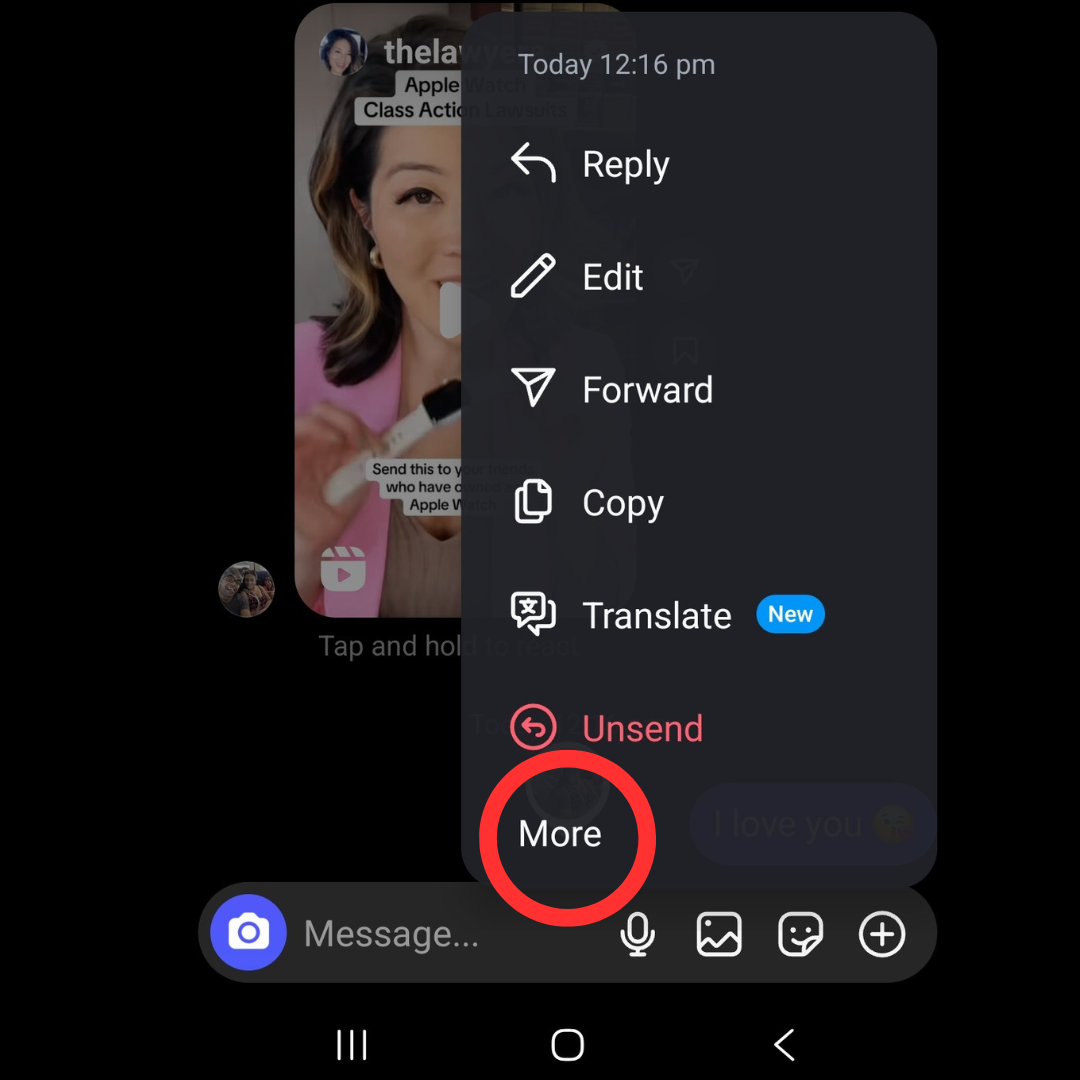
Step 3: Tap 'Pin', and the message will be fixed at the top of the chat, making it easy to revisit
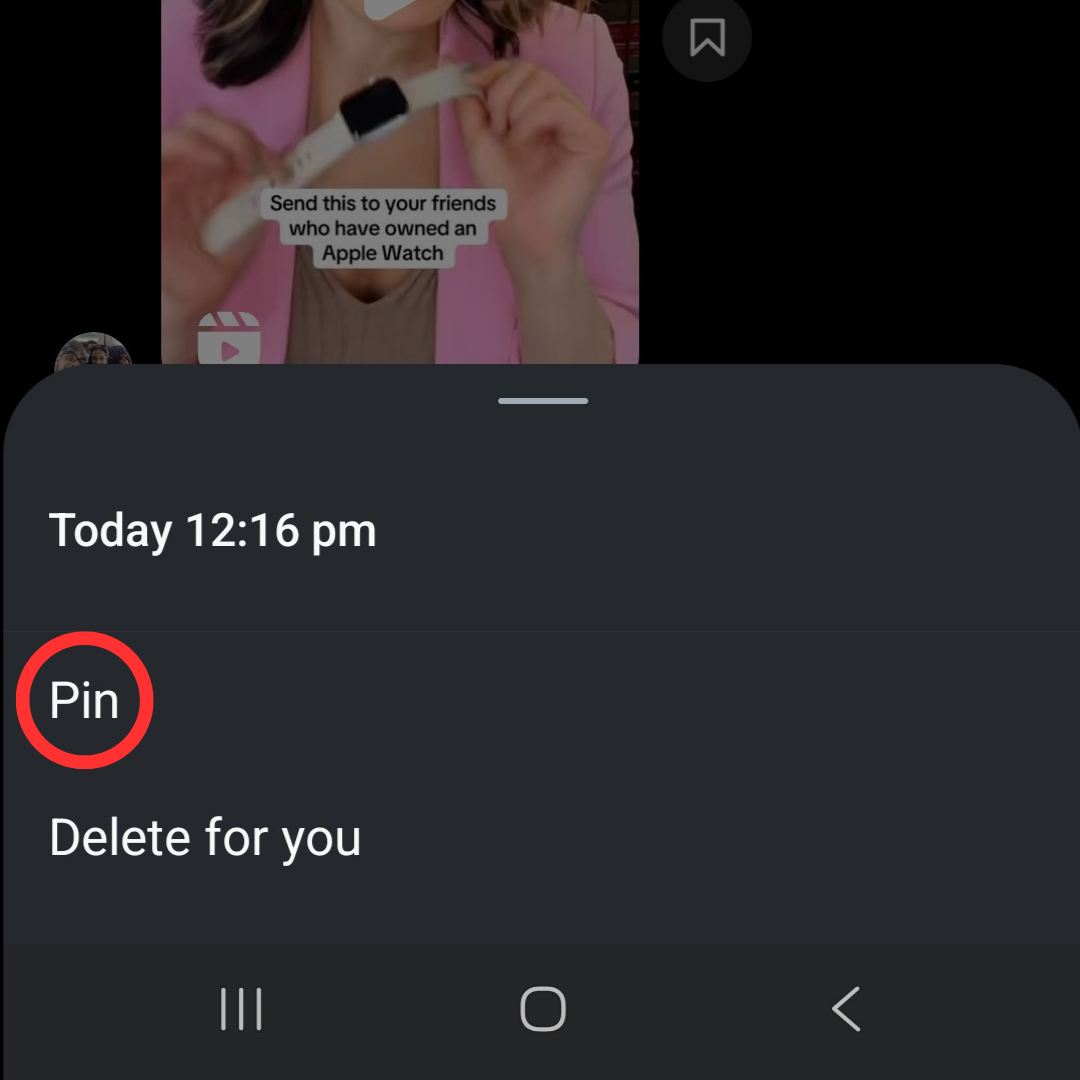
To unpin, press and hold the message again, select 'unpin', and it’ll return to its original place in the conversation.
The feature is currently available on Instagram’s mobile apps for iOS and Android, but there’s no word yet on whether it will make its way to the desktop version.
