How To Check And Pay Cukai Tanah (Quit Rent) In Malaysia Online
The deadline to pay is 31 May, so consider this your annual reminder.

By Jeremy Ng — 25 Apr 2025, 11:01 AM
If you own land or property in Malaysia, you're required by law to pay cukai tanah, a.k.a. quit rent every year

Whether you're a first-time property owner or just need a refresher, here's everything you need to know, from payment methods to how to check your tax status.
First things first, what is cukai tanah?

Cukai tanah is a state land tax imposed on property owners to retain legal ownership of the land their property sits on. The tax is used to help manage land-related administrative services, and applies to all types of land, including residential, commercial, industrial, and agricultural.
Do note that:
- Cukai tanah is mandatory, even if you're not occupying or developing the land
- For strata properties (e.g. condominiums or apartments), the tax is known as cukai petak, and it applies to each individual unit once strata titles have been issued
What if you live in a condo without a strata title yet?

This is a common situation, especially with newly completed developments.
If your strata title hasn't been issued, your Management Office (MO) is responsible for paying cukai tanah on behalf of all unit owners. This is usually included in your monthly maintenance fee.
You can check with your MO to confirm whether cukai tanah has been paid and how it's calculated per unit.
Once the strata title is ready, each owner will receive their own cukai petak bill, and will be responsible for payment directly to the Land Office.Cukai tanah is payable once a year, and the official payment window runs from 1 January to 31 May annually
If you miss this deadline, you may be subject to late payment penalties. For instance, your land title could be marked for legal action in extreme cases. That's why it's important to pay early or on time to avoid complications, especially if you are planning to sell or refinance your property.
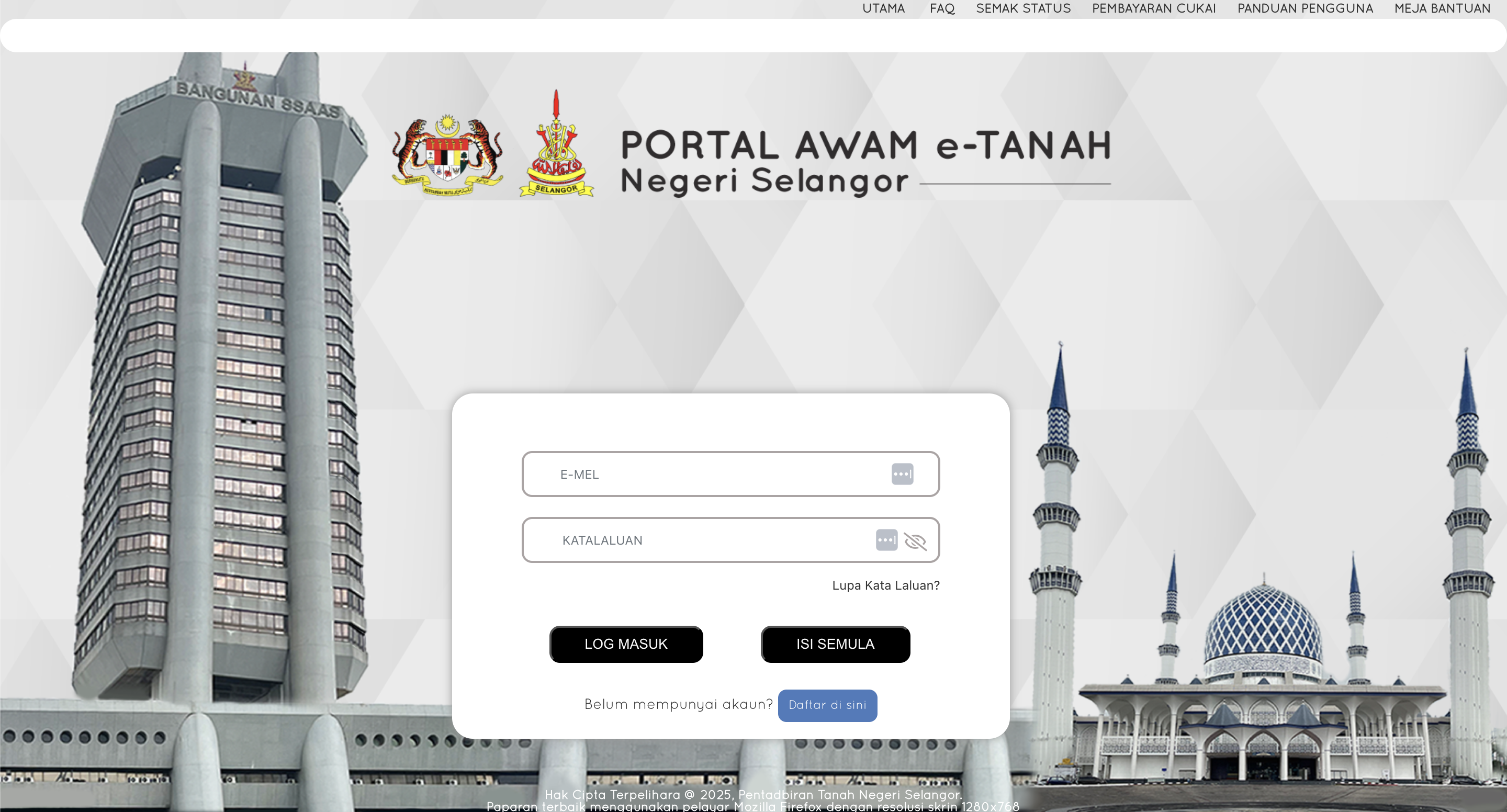
Here's how you can check and pay cukai tanah online:
Each state has its own digital system which allows you to check and pay cukai tanah. In most cases, the process is quite straightforward:
- STEP 1: Enter your Account Number, IC, or Title Number
- STEP 2: View outstanding balances
- STEP 3: Pay using FPX or credit and debit cards
Generally, you would receive a physical bill by post, SMS reminder, or email reminder (if registered) reminding you to pay your cukai tanah. If not, you would need to log in to one of the sites above to check manually.
If you have not received a bill and don't know your account number, you can call your land office and give them your full property address, owner's name, and IC number. They'll verify your details and provide the account info needed to log in and pay.
Tips for first-timers:
- You can locate your land title info via your sales and purchase agreement (SPA), loan documents, or previous cukai tanah bill
- Remember to save your payment receipt (digital or hardcopy)
- Set a calendar reminder every April so you don't forget to pay cukai tanah!
